#WindowsAdmin
-
VMware

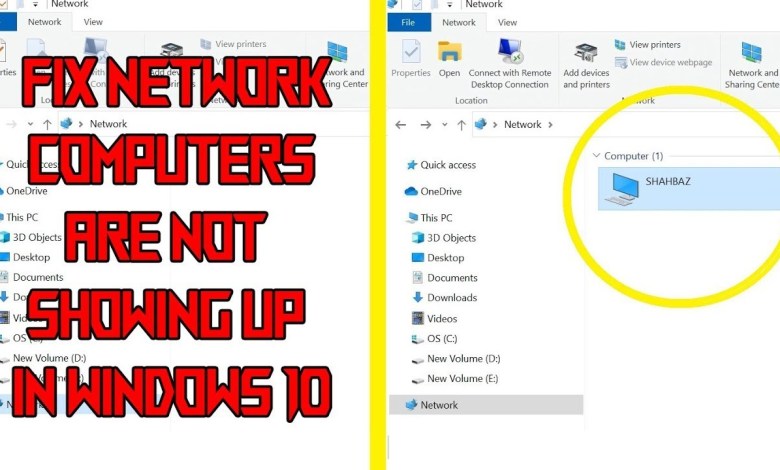
Windows Server Not Showing up in Network in File Explorer @WindowsAdminWorld
What can I do if Windows Server is not showing up in Network? 1. Check that Network Discovery is Enabled 1. First, check that network discovery is on (for all the networked PCs), which enables the connected PCs to find each other. Users can do that by pressing the Windows key + R hotkey. 2. Enter ‘Control Panel’ in Run’s…
Read More » -
VMware
How to Install WSL Feature on Windows @WindowsAdminWorld
How to Install WSL Feature on Windows Step 1: Enable WSL via Windows Features Open Run Command: Press Win + R, type appwiz.cpl, and press Enter. Turn Windows Features On or Off: In the left panel, click on Turn Windows features on or off. Enable WSL: Scroll down, find Windows Subsystem for Linux, and check the box next to it.…
Read More » How to Successfully Disable Windows Hello Prompts on Windows 11 || Fix Error OX801C044F
In this video, I will show you how to successfully disable the annoying Windows Hello prompts on Windows 11 startup. No more unnecessary prompts every time you start your PC! Step-by-Step Guide: ================ Open Registry Editor: Press Win + R, type regedit, press Enter. Navigate to: HKEY_LOCAL_MACHINESOFTWAREPoliciesMicrosoft Create Key: PassportForWork Create DWORD: UsePassportForWork, set value to 0 Navigate to: HKEY_LOCAL_MACHINESOFTWAREPoliciesMicrosoftWindowsSystem…
Read More »