excel error handling
-
Windows

Solve the #REF! Error in Excel with a Practical Example | MS Excel Help | iCals Digital Solution
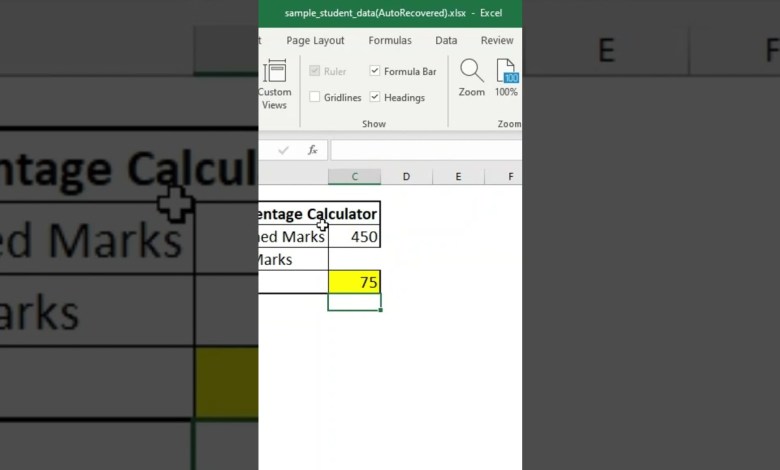
Learn how the #REF! error occurs in Excel and how to fix it with a simple example. In this demo, we calculate a student’s percentage: C3: Enter obtained marks (e.g., 450). C4: Enter maximum marks (e.g., 600). C5: Calculate percentage using =C3/C4*100. See how deleting C4 causes the #REF! error and how to resolve it: Replace #REF! in the formula…
Read More »