dns server
-
workstation

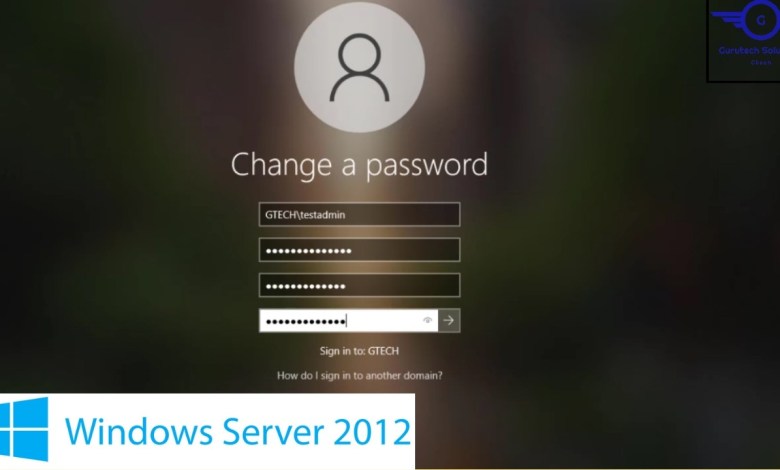
How to Reset User Password in Active Directory | How to change user passwords in Active Directory
System Administration Course +++++++++++++++++ – How To Install and Activate Windows Server 2012 R2 on a Vmware Workstation Pro – Install Windows Server 2016 on VMware Workstation Pro – Install Windows Server 2019 on VMware Workstation Pro – Install Windows Server 2022 on VMware Workstation Pro – Install Windows 10 on a VMware Workstation Pro – System Administration, Virtualization, Windows…
Read More » Install & Configure Pi-Hole on Proxmox (Take Pi-Hole a Step Further)
Install & Configure Pi-Hole on Proxmox video that will help you setup a pi-hole server as an lxc container. the process is super easy to follow and it features utilizing an excellent deployment script from tteck. After the deployment is complete, in just a few steps, we will configure our Pi-Hole and take it a step forward. The Install &…
Read More »How To Install OPNSense Firewall on Proxmox VE
How To Install OPNSense Firewall on Proxmox VE Proxmox VE is an excellent open-source enterprise virtualization platform built on Debian Linux. OPNsense is a FreeBSD-based open source firewall distribution. OPNsense, a fork of Pfsense, was released in 2015. In addition to the Firewall, there are DHCP servers, DNS servers, VPNs, and other services available. OPNsense has significant advantages over competitors,…
Read More »Configuring pfSense as Upstream DNS for Pi-hole: Block Ads & Optimize Network Security
Full Course : Learn how to set up pfSense as the upstream DNS server for Pi-hole to effectively block ads and enhance network security. Follow step-by-step instructions to redirect DNS requests from Pi-hole to pfSense, ensuring all devices on your network benefit from ad blocking and filtered traffic. Explore advanced DNS configuration and alias settings to customize DNS resolution for…
Read More »